
Digital Teacher Planner 2026 2027
- Regular price
- $29.99
- Sale price
- $29.99
- Regular price
- $29.99
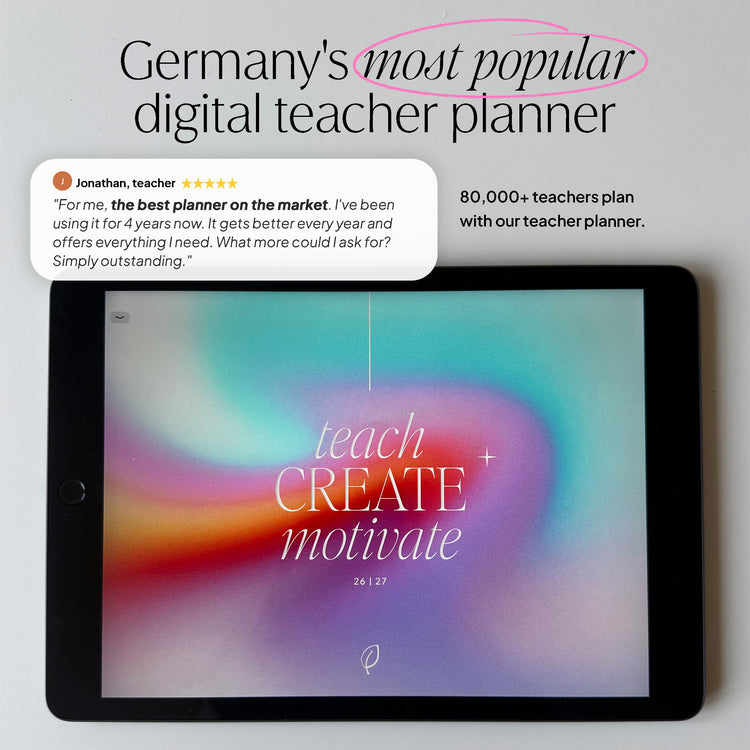
📥 Loved by 80,000 customers in Germany · 💸 30 day money back guarantee
Couldn't load pickup availability


More about the product
Description
More
Less
Structure
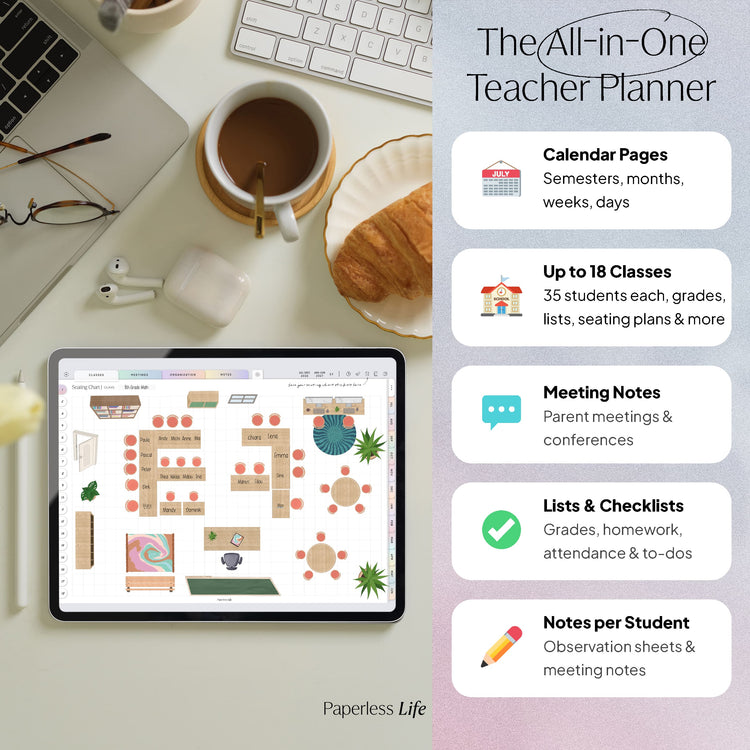
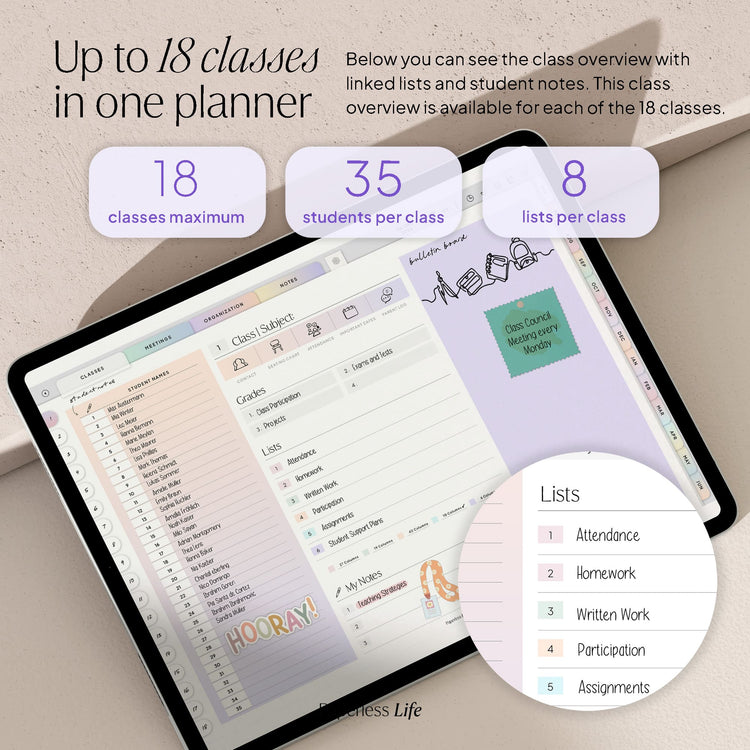
🪑 Classes: The planner includes space for up to 18 classes/courses.
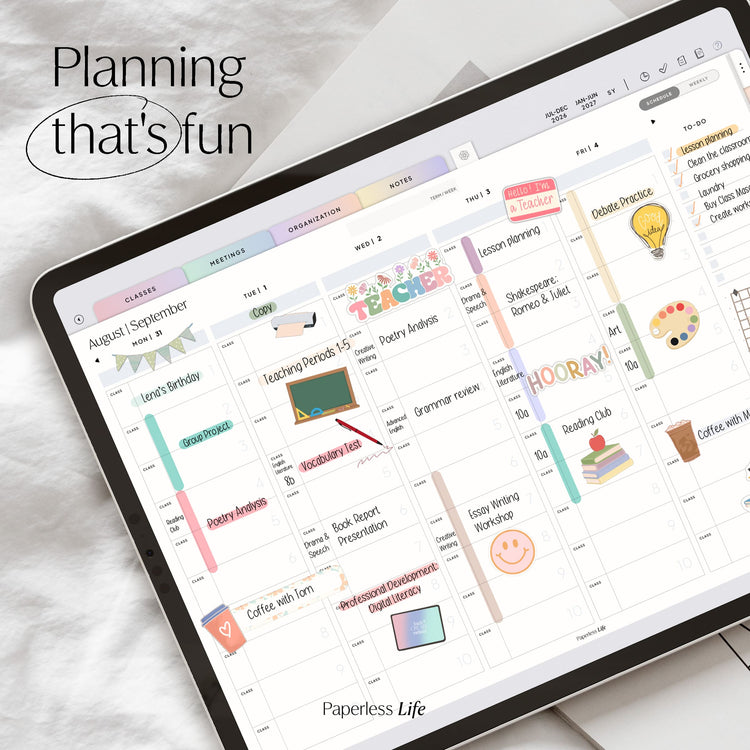
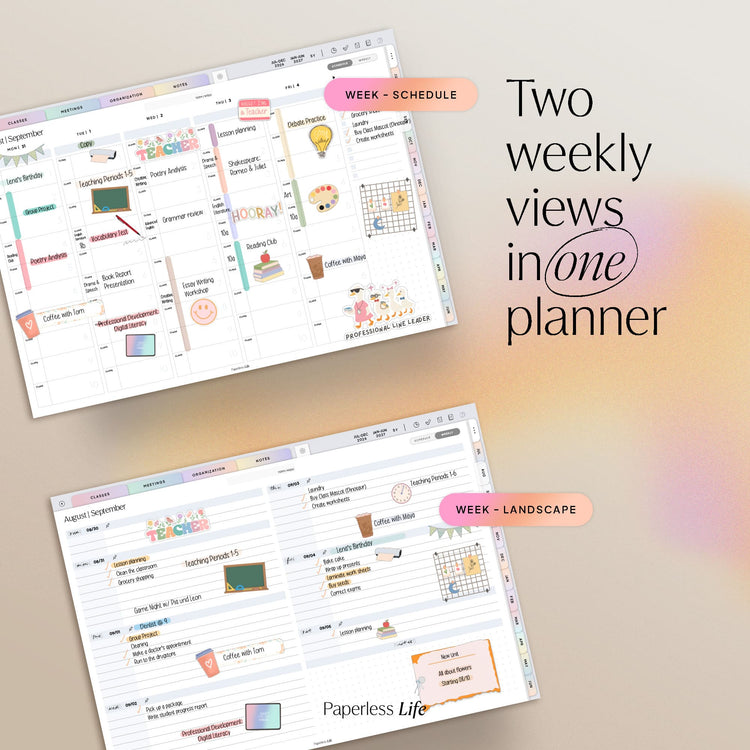
📅 Calendar Pages: Designed for the 2026/27 school year, the planner includes two clear half-year overviews. It also features a dedicated section for appointments that already fall into the 2027/28 school year. In addition, you'll find a calendar week overview, monthly pages, weekly spreads, and daily pages for structured yet flexible planning. The weekly layout is available in two different designs, making it easy to separate work and personal appointments.
💬 Meetings: Space for up to 90 staff meetings and 45 parent conferences.
📂 Organization: Sections for first & second semester exams, to-do lists, birthdays, substitute lessons, class schedules, lesson ideas, login details, and notes.
📍 Notes: You'll receive 10 note pages, which you can customize with the included notebook stickers. Five of these pages also feature additional subcategories for even better organization.
🗒️ Index: Quick access to all classes, organization pages, custom sections, notes, and important to-dos.
What's Included
📓 Digital Teacher Planner in PDF format
📍 Digital stickers, including a GoodNotes file
Download | Notes
More
Less
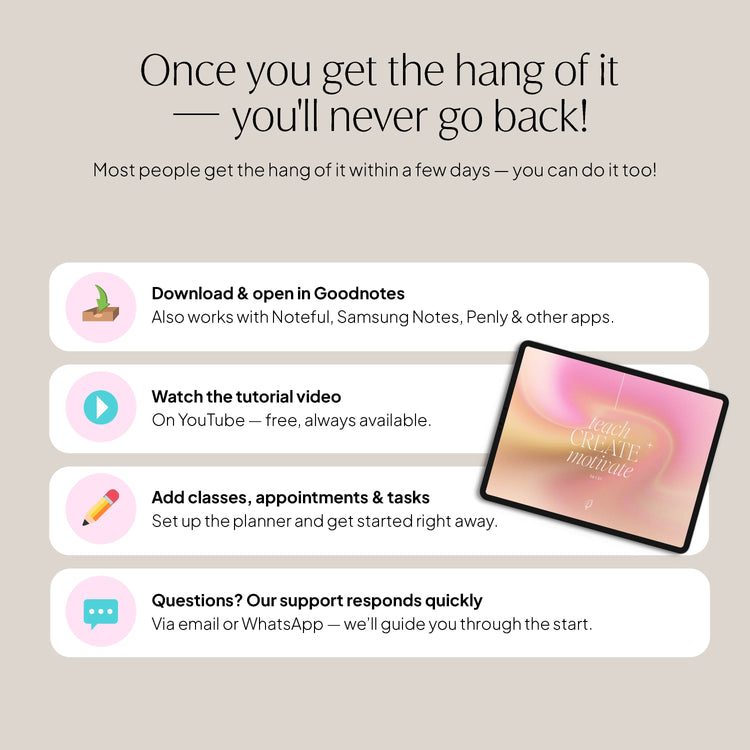
▸ Download and get started right away:
After the payment process, you will be redirected to a page (thank you page) where your files will be automatically compiled for download. This may take a few seconds; please do not close the page beforehand.
Additionally, all files will be sent to you via email.
▸ Please note:
The planner is intended for personal use only. Commercial use, distribution, or sale is not permitted.
This is a digital product – no physical product will be shipped.
Synchronization | Calendar function
More
Less
▸ Synchronization:
You can sync all of our products across multiple devices so you can access your planner from anywhere. This requires saving the files to a cloud. Please note: The best possible syncing is achieved within one operating system and one note-taking app. For example , Goodnotes on your iPad and Goodnotes on your iPhone/MacBook.
▸ Apple Calendar feature and Reminders app:
Here's how the calendar feature works: Create an appointment for your Apple Calendar directly in the digital planner or add a new task to the Reminders app. View all upcoming appointments and tasks in the digital planner.
Furthermore, you can synchronize the following email services with your Apple Calendar on Apple devices and thus always have access to the following calendars:
✔️ Outlook
✔️ Microsoft Exchange
✔️ Yahoo
✔️ AOL
✔️ CalDAV
▸ Google Calendar feature:
Create appointments for your Google Calendar directly in the digital planner. You also have the option to view all upcoming appointments from Google Calendar directly in the digital planner.
▸ Please note: Appointments handwritten in the digital planner cannot be automatically transferred to the Apple/Google Calendar. Appointments created for the Apple/Google Calendar do not automatically appear in the digital planner. This is not technically possible.
Technical requirements
More
Less
For the best possible planning experience, we recommend the following equipment:
💻 Tablet – The planner can also be used on laptops/PCs and smartphones, but is optimized for tablets. It doesn't have to be an iPad—our planners work on other tablets as well.
✏️ Pen – The pen allows you to take handwritten notes and write like on paper.
📲 Notes app – Using a digital planner requires a note-taking app that supports hyperlinks. We recommend:
- iOS/iPadOS : Goodnotes 5/6
- Android : Penly
- Windows : Drawboard PDF
Please note: Additional charges may apply when using the recommended note-taking apps. The planner is not compatible with OneNote , as the app does not support hyperlinks.
Description
Structure
🪑 Classes: The planner includes space for up to 18 classes/courses.
📅 Calendar Pages: Designed for the 2026/27 school year, the planner includes two clear half-year overviews. It also features a dedicated section for appointments that already fall into the 2027/28 school year. In addition, you'll find a calendar week overview, monthly pages, weekly spreads, and daily pages for structured yet flexible planning. The weekly layout is available in two different designs, making it easy to separate work and personal appointments.
💬 Meetings: Space for up to 90 staff meetings and 45 parent conferences.
📂 Organization: Sections for first & second semester exams, to-do lists, birthdays, substitute lessons, class schedules, lesson ideas, login details, and notes.
📍 Notes: You'll receive 10 note pages, which you can customize with the included notebook stickers. Five of these pages also feature additional subcategories for even better organization.
🗒️ Index: Quick access to all classes, organization pages, custom sections, notes, and important to-dos.
What's Included
📓 Digital Teacher Planner in PDF format
📍 Digital stickers, including a GoodNotes file
Download | Notes
▸ Download and get started right away:
After the payment process, you will be redirected to a page (thank you page) where your files will be automatically compiled for download. This may take a few seconds; please do not close the page beforehand.
Additionally, all files will be sent to you via email.
▸ Please note:
The planner is intended for personal use only. Commercial use, distribution, or sale is not permitted.
This is a digital product – no physical product will be shipped.
Synchronization | Calendar function
▸ Synchronization:
You can sync all of our products across multiple devices so you can access your planner from anywhere. This requires saving the files to a cloud. Please note: The best possible syncing is achieved within one operating system and one note-taking app. For example , Goodnotes on your iPad and Goodnotes on your iPhone/MacBook.
▸ Apple Calendar feature and Reminders app:
Here's how the calendar feature works: Create an appointment for your Apple Calendar directly in the digital planner or add a new task to the Reminders app. View all upcoming appointments and tasks in the digital planner.
Furthermore, you can synchronize the following email services with your Apple Calendar on Apple devices and thus always have access to the following calendars:
✔️ Outlook
✔️ Microsoft Exchange
✔️ Yahoo
✔️ AOL
✔️ CalDAV
▸ Google Calendar feature:
Create appointments for your Google Calendar directly in the digital planner. You also have the option to view all upcoming appointments from Google Calendar directly in the digital planner.
▸ Please note: Appointments handwritten in the digital planner cannot be automatically transferred to the Apple/Google Calendar. Appointments created for the Apple/Google Calendar do not automatically appear in the digital planner. This is not technically possible.
Technical requirements
For the best possible planning experience, we recommend the following equipment:
💻 Tablet – The planner can also be used on laptops/PCs and smartphones, but is optimized for tablets. It doesn't have to be an iPad—our planners work on other tablets as well.
✏️ Pen – The pen allows you to take handwritten notes and write like on paper.
📲 Notes app – Using a digital planner requires a note-taking app that supports hyperlinks. We recommend:
- iOS/iPadOS : Goodnotes 5/6
- Android : Penly
- Windows : Drawboard PDF
Please note: Additional charges may apply when using the recommended note-taking apps. The planner is not compatible with OneNote , as the app does not support hyperlinks.
Start your paperless journey – with us.

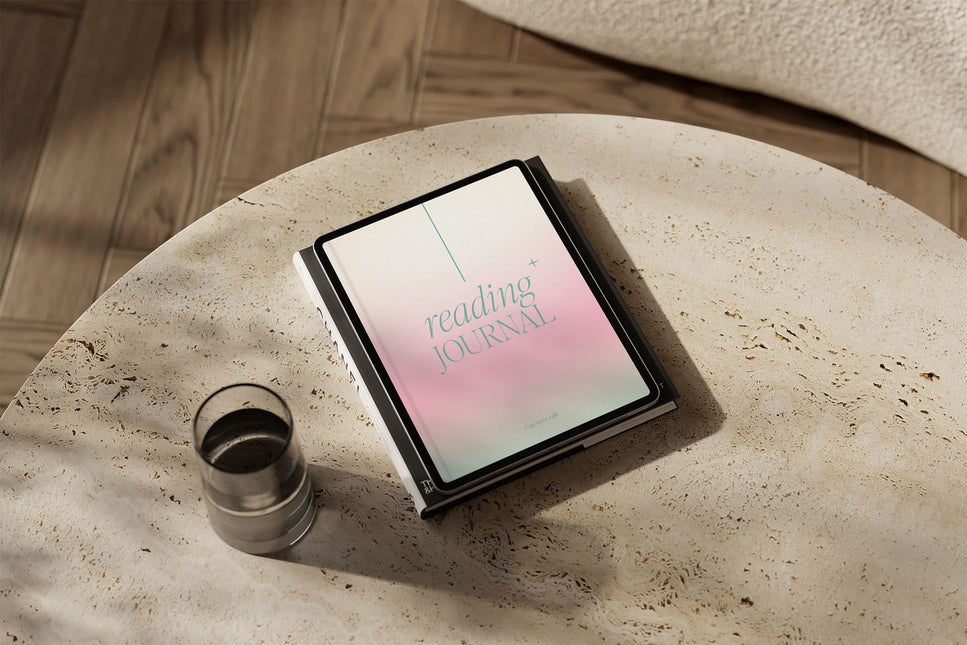
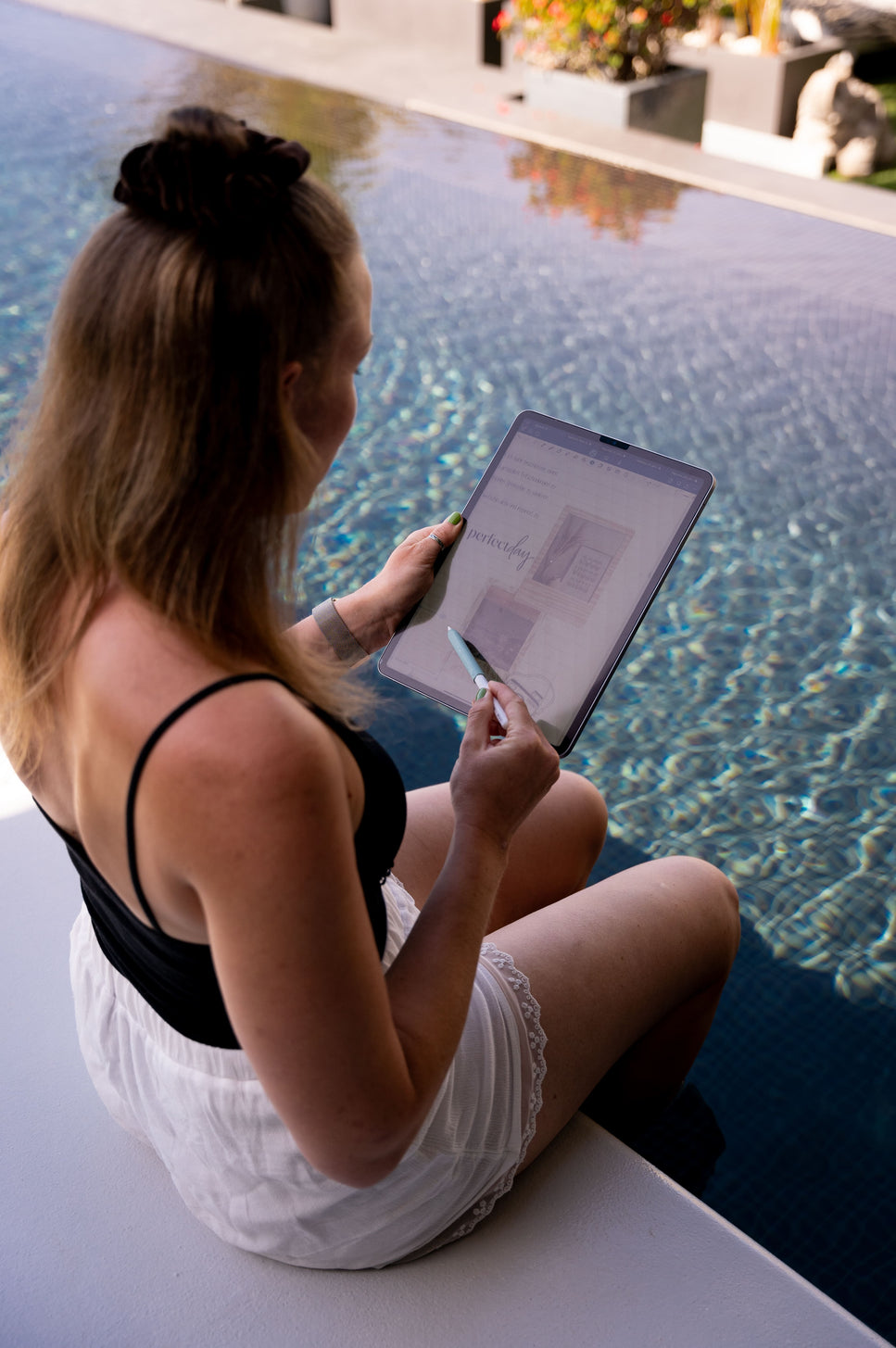
Start your paperless journey – with us.
What once began as a small idea is now our mission: to share the joy of paperless planning with others.
We believe that life is about more than endless to-do lists and the constant pressure to get everything done. We celebrate the small moments of success in everyday life – and believe that they shouldn't get lost among the 100 to-dos in our heads.
Good planning brings serenity and clarity to your everyday life. It helps you focus on what's essential—and create space for what really matters. I'm sure that with the right planner, we can make our everyday lives so much more colorful. When we plan more consciously, we can live more relaxed lives.
Reviews
SS - Product Addons
Select product(s) to see addons appear.
This message only appears in theme editor.